
FlowDeck CLI
$59
/year
14-day trial
Billed yearly
Full CLI access
Works with Claude Code, Codex, Cursor, OpenCode
Structured JSON output
Runs in CI
Two machines per license
14-day trial. Claude Code, Codex, Cursor and OpenCode. Bring your own subscription.
iOS
macOS
iPadOS
tvOS
watchOS
visionOS
The loop
Your agent writes Swift, builds it, runs the tests. That part works. The time goes to everything around it: the editor, the terminal, Simulator.app, Xcode, GitHub. FlowDeck puts the loop in one place so you can get back to shipping products.
01
Plan
Plans live outside sessions, in a space built for writing them. Consistent specs, reusable across worktrees, handed to whichever model implements best.
02
Build
Every task gets its own session, its own checkout and its own build state. The work in flight stops being one thing at a time.
03
Ship
The agent has the whole toolchain: build, run, test, tap through the app. It validates its own changes before you see them.
Apple first
FlowDeck understands your Xcode projects and works directly with the Apple tools you already know. Real schemes, targets and test plans, XcodeGen, and builds that run on your Mac.
Apple support is not a plugin bolted onto a generic app. There is no generic version of FlowDeck.

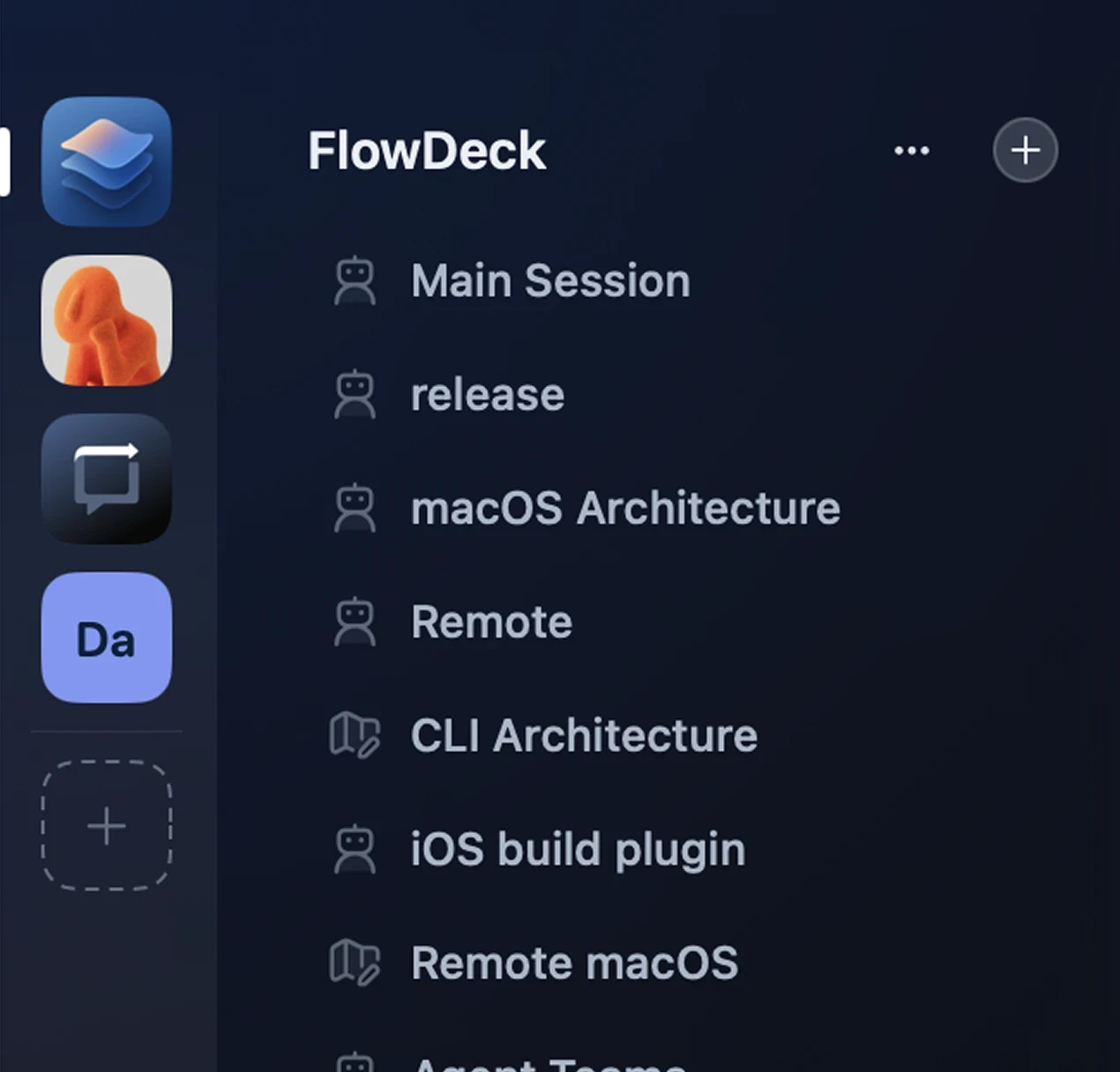
Parallel work
Every project you work on sits in the rail, and every task gets its own session, build state and simulator. Start one, move to the next, and get notified when something needs your attention.
Nothing waits on a shared checkout, nothing breaks your build.
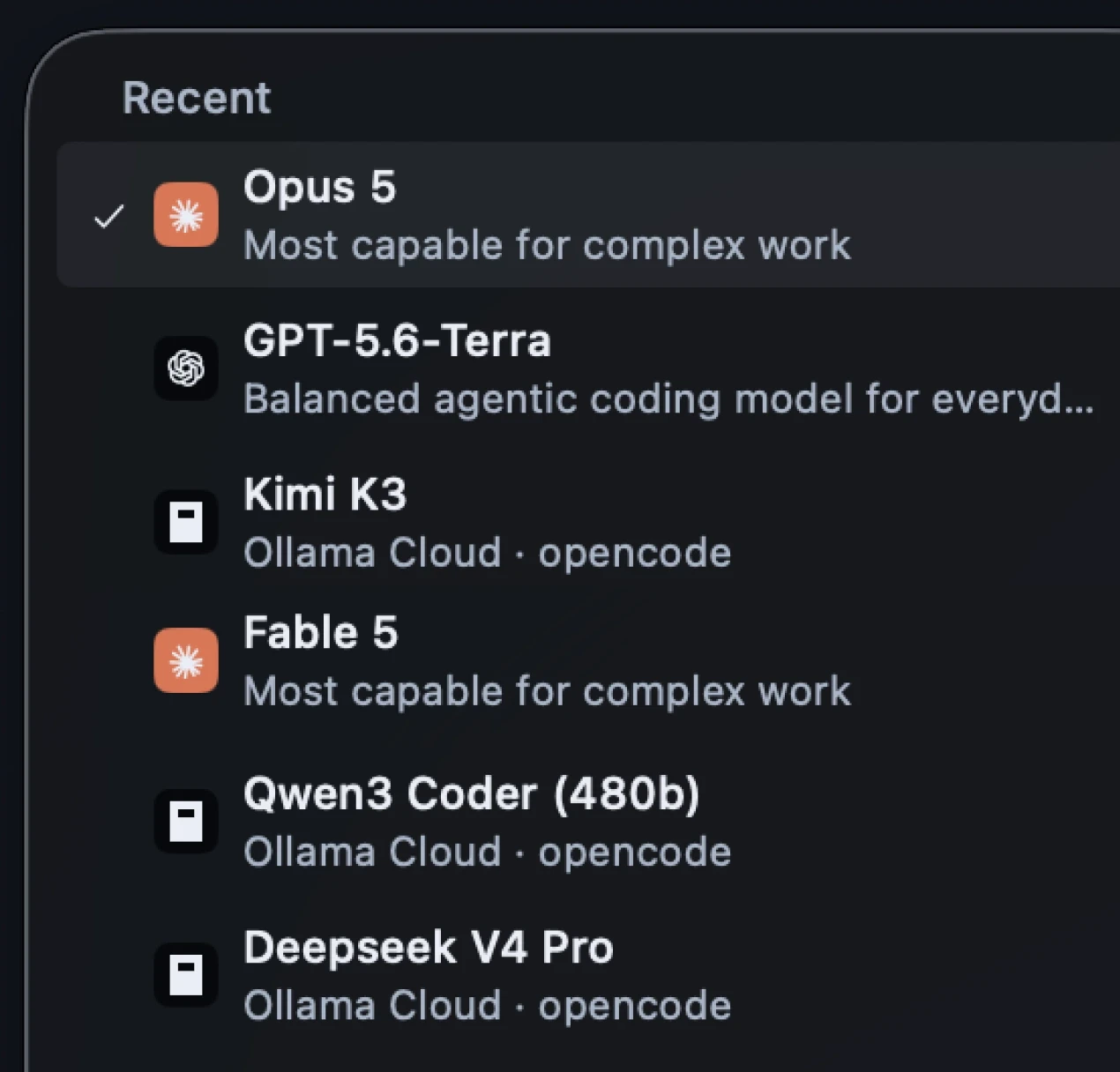
Models
Models evolve fast. Don’t get stuck with someone else’s idea of what’s the best model for your work.
Use different models as needed. Switch mid-task when something better ships. Plan with the expensive one, don’t pay it to write commit messages.

Simulator
The simulator streams right beside the chat. Your agent taps, types and scrolls through the screen it just changed, and you take the controls whenever you want.
FlowDeck manages your simulators, devices and runtimes too, so a clean device or a new platform is just a click away.
Control
You stop supervising mechanics. You keep the product calls. Set how much rope each agent gets, and when a product decision comes up, the session stops and waits for you.
When the work is done, read the diff, comment on the line and send it back.


Terminal and CI
~/Developer/WeatherApp · flowdeck
Watch the CLI demo
Learn more

Donny Wals
@donnywals
“Within a day FlowDeck became the thing my agent reaches for by default. I haven’t really thought about it since, which is the best thing I can say about a developer tool.”

Owen van Dijk
@ohwhen
“Works great with Claude Code. Slick onboarding, simulator control, UI automation and JSON output. Can’t recommend it highly enough.”

Joe Fabisevich
@mergesort
“I use FlowDeck instead of xcodebuild and cannot recommend that more highly.”

Jacob Bartlett
@jacobtechtavern
“Flowdeck is a game changer. Once I worked out screenshot-based verification, it was obvious how far this can go.”
FAQ
What is the difference between the CLI and Studio?
Why not just run an agent in my terminal?
How is this different from Claude Code for Mac or the Codex app?
Do I still need Xcode installed?
Does my code leave my machine?
Is an agent subscription included?
How does licensing work?
How does parallel work stay isolated?
What do I need to run it?
But if you’re already one, FlowDeck is the difference between a demo and shipped software.
14-day trial · macOS 26+ · Apple Silicon · Xcode 15+